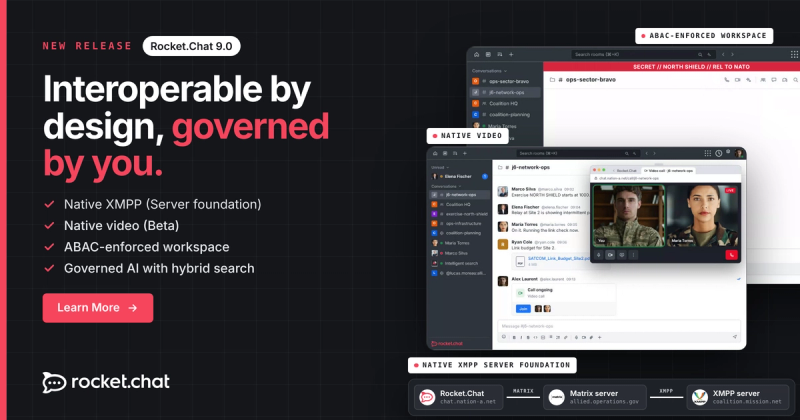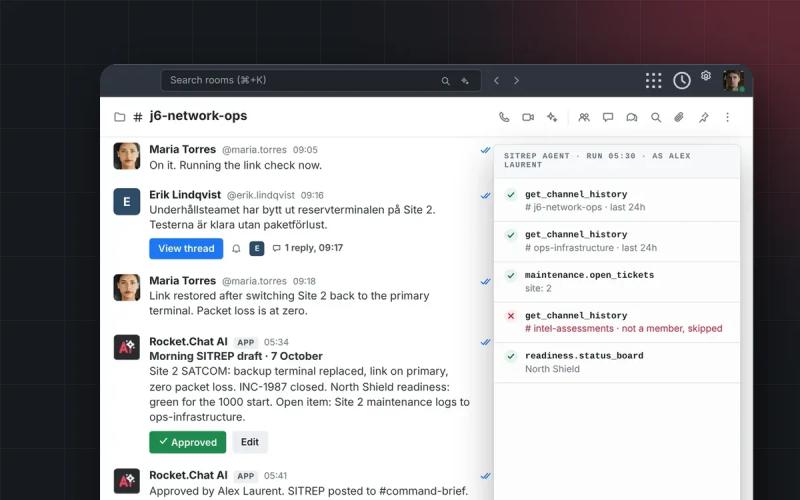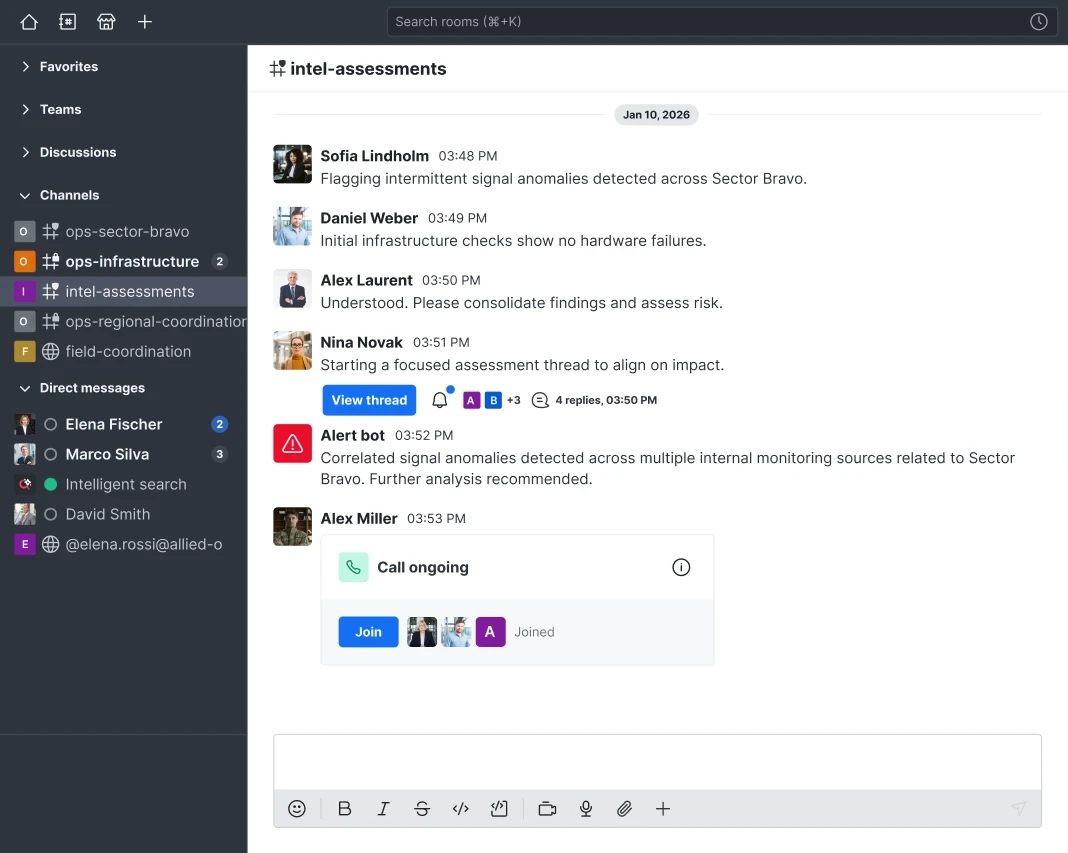
The organizations that depend on Rocket.Chat operate with requirements that don't bend: access control has to be precise, presence has to reflect operational reality, and deployments have to meet the standards federal procurement demands. Version 8.6 advances all three. Here is what is new.
- ABAC gains Virtru as an external attribute source, letting organizations manage attributes in one place across systems.
- Presence sync now handles the calendar and call scenarios.
- A FIPS-validated image is available for federal deployments.
- Voice calls can be detached into a separate window for full-screen video during screen shares.
01Virtru integration for centralized attribute management
Attribute-Based Access Control (ABAC) gives administrators precise control over which rooms and resources users can access, based on attributes defined for each user. For organizations with extensive attribute schemas, such as clearance levels, project roles, and department classifications drawn from multiple platforms, keeping that attribute data current across every system is where the operational overhead accumulates.
Virtru as an external attribute source
Rocket.Chat integrates with Virtru as an external attribute source. Administrators connect Virtru once, and Rocket.Chat pulls attributes from it directly.
Virtru is a data security platform used by government and enterprise organizations to enforce access policy on sensitive data. For organizations already using Virtru, this integration means the attributes that govern data access in Virtru can now govern room and resource access in Rocket.Chat from the same managed source.
An administrator responsible for thousands of attributes no longer updates them in two places. When a clearance level changes, a project role is modified, or a policy attribute is updated in Virtru, Rocket.Chat reflects it automatically.
For organizations subject to formal access control reviews, single-source attribute management has a direct impact on audit readiness. When Rocket.Chat reads from one authoritative source, your access decisions stay current and your access control posture is easier to verify and demonstrate.
What this means for ABAC deployments
ABAC is a Defense plan only feature. Organizations already using ABAC can connect Virtru as an external attribute source through the administration panel. Existing local attributes continue to work. This is an additive capability.
02User presence sync: Real-time status across calendar and voice call scenarios
In coordinated operations, knowing whether a colleague is reachable is an operational concern, not a convenience. Version 8.6 expands presence sync to cover a wider range of real-world scenarios, and introduces a priority model that governs what happens when multiple sources apply at the same time.
Expanded calendar presence synchronization
Outlook presence sync now extends to additional calendar scenarios, including overlapping events, multi-day events, and event classifications such as "free" and "out of office," so a user's status reflects their availability across a broader set of conditions.
Voice call awareness
Status now reflects when a user is engaged in a voice call, giving colleagues clear visibility into active communication.
Defined-duration status
Users can set a status with an explicit duration which clears automatically when the time elapses. That duration is reflected consistently across Rocket.Chat and integrated calendar tools, ensuring a single, trusted view of availability.
03Pop-out voice call window: full-screen video during screen shares
Screen sharing alongside a voice call is more effective when the call interface has space to expand. A dedicated window gives users full control over how they manage both.
Voice calls can now be detached from the direct message room and opened in a separate window. Full-screen video is available during screen shares, and the call window operates independently from the rest of the workspace interface.
To use it, start the call from within the room as normal, then pop it out into its own window.
04FIPS 140-3 compliant image: Meeting the cryptographic baseline for federal deployments
Rocket.Chat now ships a dedicated FIPS-compliant Docker image alongside each standard release. The image is built on FIPS-validated cryptographic modules, specifically OpenSSL, and operates within a constrained cryptographic boundary where only approved algorithms are permitted. The NIST CMVP certificate is held by OpenSSL. When your procurement process asks whether Rocket.Chat meets the FIPS 140-3 cryptographic baseline, the answer is yes.
The FIPS-compliant image is available to Government and Defense plan customers. Contact your Account Executive or Customer Success Manager to request access. If you are deploying fresh, start in FIPS mode from the beginning: migrating an existing instance requires resetting all user passwords.
Find FIPS compliance guide here.
05Bug fixes
This release includes fixes to improve overall stability, performance, and user experience. For the full list, see the official release notes.
06How to update your workspace to the latest Rocket.Chat version?
SaaS workspaces
The release happens automatically on our cloud, so no further action is required. Rollout may take a few weeks. Contact support if you need to update your version sooner.
Self-managed workspaces
Depending on your installation mode, you may need to update manually. See the documentation for instructions.