macOS Your device
Native on Mac, from the Mac App Store.
Evaluating Rocket.Chat? Run Starter on your own infrastructure. Try Starter →
Evaluating Rocket.Chat? Run Starter on your own infrastructure. Try Starter →
Rocket.Chat for Windows, macOS, Linux, iOS and Android. Every app connects straight to your organization's own server.
You'll need your workspace address. Your organization runs its own Rocket.Chat server. Ask your workspace admin for its address, or find it in your invite email.
https://chat.your-organization.orgTrusted by the world's most critical organizations











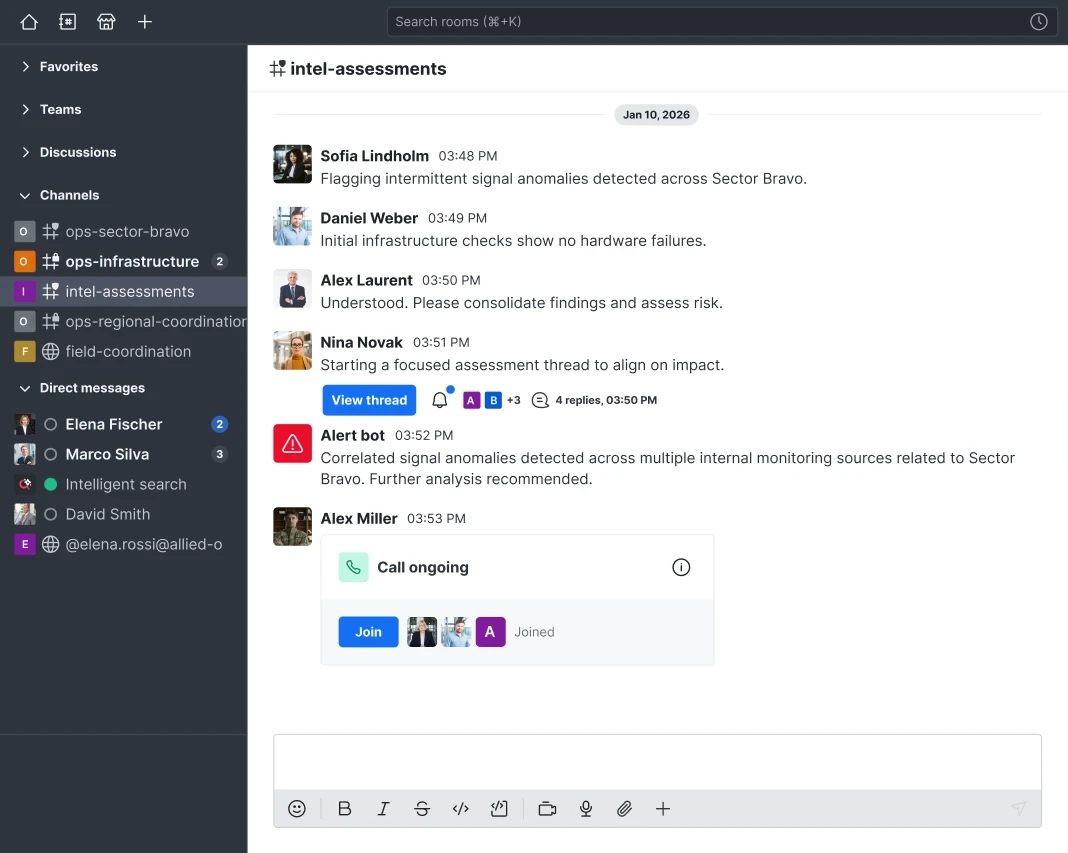
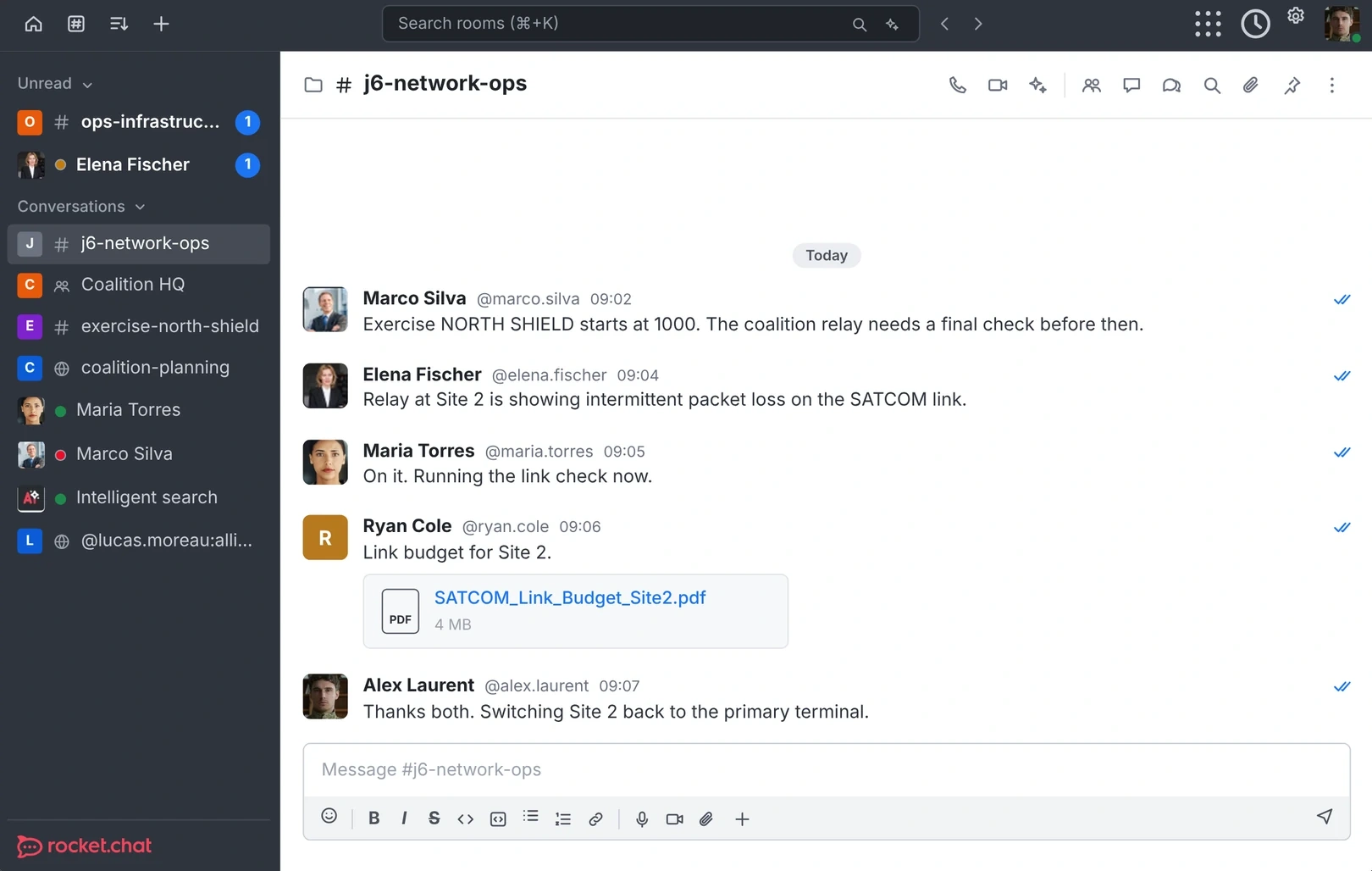
Native apps, with the same channels, threads and calls on each.
Native on Mac, from the Mac App Store.
Native on Windows, with an installer for each user or the whole machine.
From the Snap Store, or as DEB, RPM or AppImage.
Messages, calls and alerts wherever you are.
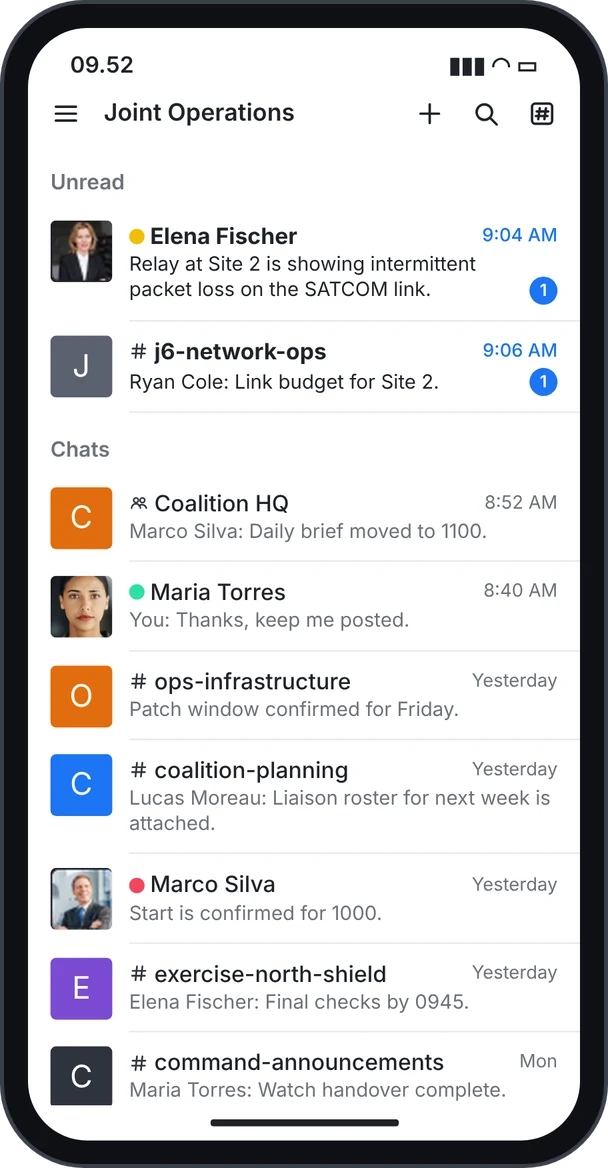
Your whole workspace in your pocket.
On your computer? Scan with your phone's camera to get the app.
Pick your device above. Desktop and mobile work side by side on the same account.
Enter the address from your admin or your invite email.
https://chat.your-organization.orgUse the account your organization set up, including single sign-on where it's enabled.
Push the desktop app with the tools you already use, and decide how it behaves on every machine.
Instant access. No sales call.