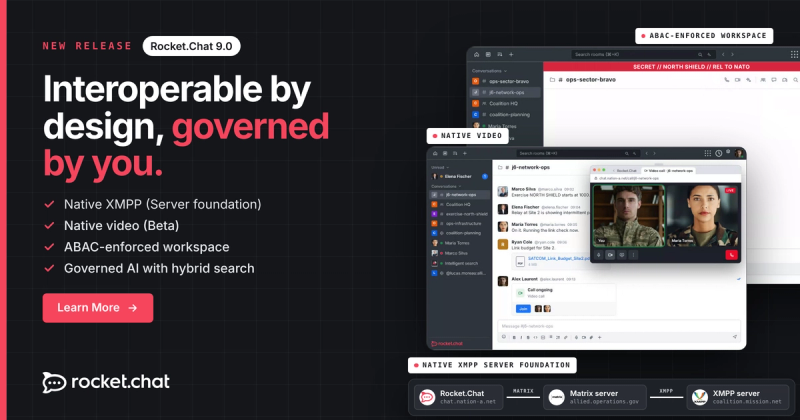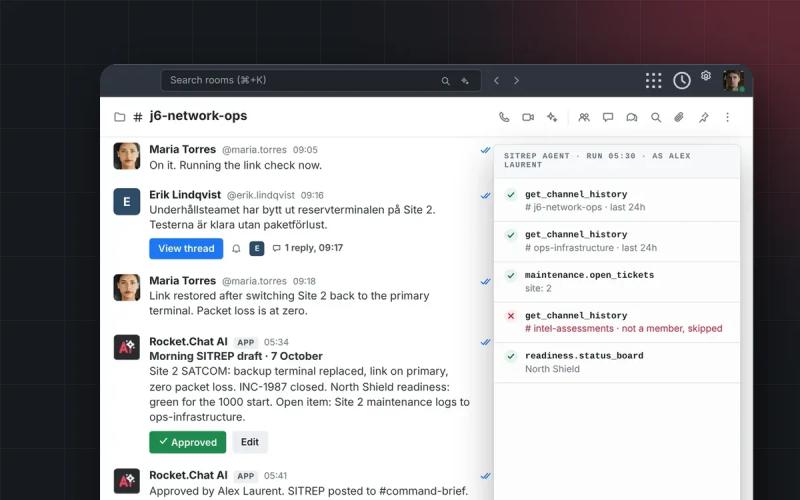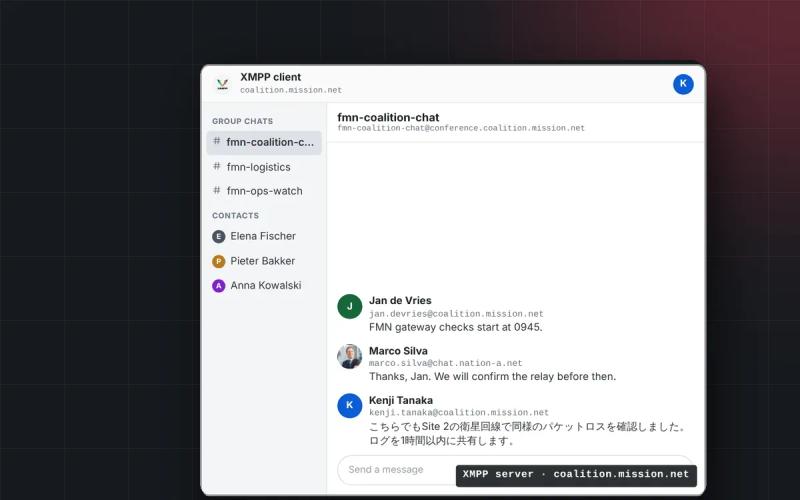
Building on recent updates, this Rocket.Chat release is designed to enhance your workspace operations.
-> Security remains central to every update, with the new audit trails for full visibility into every workspace setting change.
-> Teams move faster - thanks to the improved navigation, clearer communication controls, and faster search capabilities.
-> Admins also benefit from streamlined federated user management and customizable LDAP sync for simplified user management.
-> Real-time updates from Omnichannel departments keep public services responsive and uninterrupted across all citizen channels.
These enhancements are designed to keep your operations secure, efficient, and fully connected.
01Stay audit-ready with detailed logs of every workspace change
When settings change in a secure workplace, the impact isn’t always obvious until something breaks or someone gains access they shouldn’t have. That's why visibility and workspace oversight are essential in mission-critical environments.
Rocket.Chat now offers a full audit trail of every workspace configuration change. We’re introducing Security Logs, which is a dedicated view in the Audit menu that lets admins easily search and monitor setting changes.
Under the Security Logs, you’ll see exactly what changed, when it changed, who made the change, and what the previous and new values are. You can filter by setting or date range. For example, you can track all permission-related changes in the last 30 days.
This builds on the API-level logging we introduced in 7.5, so even non-technical admins can trace every change without relying on devs.
It’s a simple but powerful way to reduce the time it takes to detect, investigate, and respond to misconfigurations.
02Keep citizen services running with real-time department updates
In citizen-facing operations, service disruptions erode trust. That’s why your systems need to adapt the moment something changes behind the scenes.
In this latest version, apps can now respond in real time to status changes in Omnichannel departments, enabling real-time communication between Rocket.Chat and integrated platforms.
For example, if a city’s public health department goes offline, your integration can instantly adjust, ensuring citizens aren’t left waiting on a team that’s no longer available.
This helps you deliver uninterrupted, responsive services across all channels, even in complex, multi-department environments.
03Find the right conversations faster, no matter the volume
Speed matters when citizens are waiting. And the longer it takes to find the right conversation, the longer it takes to resolve the issue.
You can now search Omnichannel rooms by exact contact names using double quotation marks (e.g., "Jane Doe").
Whether your agents are managing thousands of citizen conversations or responding to urgent requests from field operators, this enhancement makes it easier to quickly find the right conversation. This enables your team to respond faster and provide more effective support during time-sensitive situations.
04Interface updates to maximize your efficiency
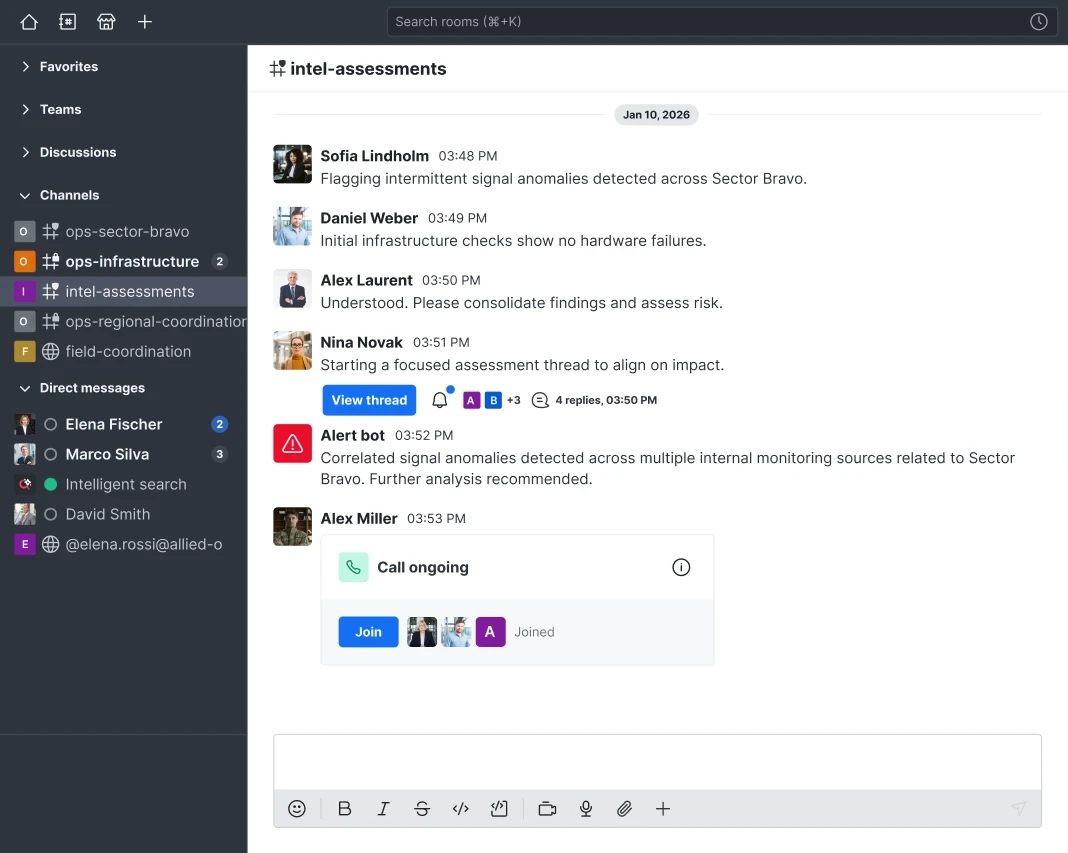
We’re continuing to improve navigation to help personnel access critical context instantly, cut down on clicks during high-pressure moments, and switch rooms faster.
You can enable these updates under: User Profile > Feature Preview > Navigation > Enhanced Navigation Experience.
Here’s what’s new:
- Faster room switching: A new back button replaces the room tag, making it quicker and easier to return to parent rooms when managing multiple threads.
- Simplified room headers: Avatars/thumbs have been removed from room headers for a cleaner, distraction-free layout for better focus.
- Room topics, always visible: Topics now appear right next to room titles, so operational context is always in view.
- Accessible announcements: Key updates remain visible at the top of the conversation to make it more accessible without getting in the way.
- Search placement: Search has moved to the top navigation bar, so you can find information quickly during fast-moving operations, without having to open the sidebar.
Each user can enable or disable this experience individually to suit their operational needs.
Clearer call options to reduce misclicks
We’ve replaced the old call icon with two distinct buttons: one for voice calls (phone receiver) and one for video calls (camera). This removes ambiguity, making it easier for users to choose the right communication method and connect faster in high-pressure environments.
05Customizable user data from LDAP attributes
This update lets you create custom variables from LDAP data using simple functions. For example, you can extract part of an email address from LDAP and use it to set usernames automatically in Rocket.Chat.
This improves how user information syncs with your directory, reducing manual work and keeping profiles accurate.
Supported functions include splitting strings, replacing text, matching patterns, extracting substrings, and using fallback values when data is missing or incomplete. We will expand on this foundation as new needs arise.
06Manage federated users with LDAP integration
You can now pre-register federated users through LDAP sync by specifying their federation domain in an LDAP attribute. This enables profile details like display names to be visible before any federated interaction occurs.
If the attribute is missing or matches the workspace’s home server, the user is created as local; if different, the user is created as federated. Users created as local or remote cannot switch types later, preserving data integrity.
Additionally, a new setting allows deleting federated users who no longer exist on the home server, helping maintain an accurate user database.
07Bug fixes
This release includes a number of fixes to improve overall stability, performance, and user experience. For a complete list of resolved issues in Rocket.Chat v7.6, check out the official release notes.
08How to update your workspace to the latest Rocket.Chat version?
SaaS workspaces
The release happens automatically on our cloud, so no further action is required from your side. However, remember that updating instances might take a few weeks, so don't hesitate to contact our support team if you need to update your version sooner.
Self-managed workspaces
Depending on the installation mode, you might need to update your server manually. Check out the documentation for instructions.