Chapter 01
Where Skype for Business Server stands.
For more than a decade, Skype for Business Server has carried chat, presence, calls and meetings for organizations that keep their communications on their own infrastructure. That era has closed.
- Server 2015released
- Server 2019released
- Mainstream supportends for 2019
- Subscription Editionreleased
- Support endsfor 2015 and 2019
- Paid security updates endno further extensions
Extended support for Skype for Business Server 2015 and 2019 ended in October 2025. Microsoft then sold security updates for one more year through a paid program, and the last period ended in October 2026 with no further extensions. Microsoft no longer ships security updates, fixes or technical help for either version. Microsoft won't fix vulnerabilities found from now on.
That is not a theoretical risk. Communications servers sit at the edge of the network, carry sensitive conversations and connect to your identity systems. An unpatched one is a target for attackers and a likely finding in any security audit.
| Version | Released | Mainstream support | Extended support |
|---|---|---|---|
| Server 2015 | Jul 2015 | Ended Oct 2020 | Ended Oct 2025 |
| Server 2019 | Oct 2018 | Ended Jan 2024 | Ended Oct 2025 |
| Subscription Edition | Jul 2025 | Modern Lifecycle Policy: no fixed end date. Support can end with 12 months' notice. | |
Microsoft's paid Extended Security Update program for 2015 and 2019 ran from October 2025 to October 2026. Sources: Microsoft Lifecycle documentation; Microsoft Tech Community.
Running it today means running it without a safety net.
Chapter 02
Three ways forward.
Skype for Business Server customers have three ways to go. Two of them are Microsoft's: Subscription Edition and Teams. Each one deals with the support problem in a different way, and each has a cost that shows up later.
Stay where you are.
Unsupported.The servers keep running, but Microsoft's paid security updates ended in October 2026 and won't be extended. The risk grows every month, and so does the gap with your security and compliance obligations.
Upgrade to Subscription Edition.
Supported, on Microsoft's terms.Released in July 2025. It has no fixed end date, and support can end with 12 months' notice. It installs only as an in-place upgrade of Server 2019, so 2015 deployments have to move to 2019 first.
Move to Microsoft Teams.
Microsoft's cloud, not yours.Teams is the path Microsoft recommends for Skype for Business customers. It runs in Microsoft-operated cloud, so you can't host it on your own servers, and most of what it does depends on a connection to that cloud.
Staying put isn't safe. The other two paths leave the next decision in Microsoft's hands.
Chapter 03
More than a server swap.
Replacing Skype for Business Server looks like an IT project. In practice it lands in the same window as bigger shifts in how organizations are expected to communicate. The platform you choose now has to meet all of them, or you will be making this decision again in a few years.
Interoperability is expected
CJADC2 in the US, Federated Mission Networking across NATO and the Interoperable Europe Act in the EU all call for systems that were never built to talk to each other to work together. None of them asks partners to adopt one vendor's platform.
Sovereignty comes with it
Organizations want to decide where their communications run and which law applies to them, on their own servers, air-gapped or in a sovereign cloud, without giving up reach.
Zero Trust has deadlines
The US Department of Defense must reach its Zero Trust target level by the end of FY2027, and NIS2 sets access-control duties across Europe. Access has to be checked on every request and hold up under audit.
Shadow IT fills the gaps
When the approved tool can't reach a partner or goes down in a crisis, people move to consumer messengers, with no record keeping, no access control and no audit.
The question isn't what replaces Skype. It's what you won't have to replace again.
Chapter 04 · The replacement test
What to require from a replacement.
Four questions decide whether a replacement solves the problem or postpones it. Use them to score every option you look at.
Where does it run?
Self-hosted, air-gapped or in a sovereign cloud, with no core capability depending on someone else's cloud.
Who can access it?
Access checked on every request by role, clearance and project, against your own identity system. End-to-end encryption, and every action auditable.
Who can you reach?
Native federation over open standards such as Matrix and XMPP, with the sender's identity and the audit trail intact. A bridge to Teams for colleagues who still use it.
Can you stay in control?
Open source code and open APIs, so you can build what you need without waiting for a vendor. Keeps running through an outage, a cyberattack or a lost connection.
Keep what works
Chapter 05
Compare your options.
| Question | Path 1Stay on Server 2015 or 2019 | Path 2Subscription Edition | Path 3Microsoft Teams | AlternativeRocket.Chat |
|---|---|---|---|---|
| Security updates | Doesn't meet the test: None. Paid updates ended October 2026 | Meets the test: Yes, under Microsoft's Modern Lifecycle Policy | Meets the test: Yes, managed by Microsoft | Meets the test: Yes |
| Where it runs | Meets the test: Your servers | Meets the test: Your servers | Doesn't meet the test: Microsoft's cloud | Meets the test: Your servers, air-gapped or a sovereign cloud |
| Support horizon | Doesn't meet the test: Ended | Partly meets the test: No fixed end date; can end with 12 months' notice | Partly meets the test: Set by Microsoft | Meets the test: Open source code you can inspect, on servers you control |
| Who operates it | Meets the test: You | Meets the test: You | Doesn't meet the test: Microsoft | Meets the test: You, or a provider you choose |
| Reach beyond your organization | Partly meets the test: Mainly Microsoft users | Partly meets the test: Mainly Microsoft users | Partly meets the test: Mainly Microsoft users and invited guests | Meets the test: Native Matrix and XMPP federation, plus a Teams bridge |
| Works without internet | Partly meets the test: Internally, on your own network | Partly meets the test: Internally, on your own network | Doesn't meet the test: Needs a connection to Microsoft's cloud | Meets the test: Yes, including degraded and disconnected networks |
Ratings are Rocket.Chat's assessment against the test in chapter 04. Microsoft dates from Microsoft Lifecycle, Nov 2026.
Chapter 06 · Rocket.Chat
Interoperable by design. Governed by you.
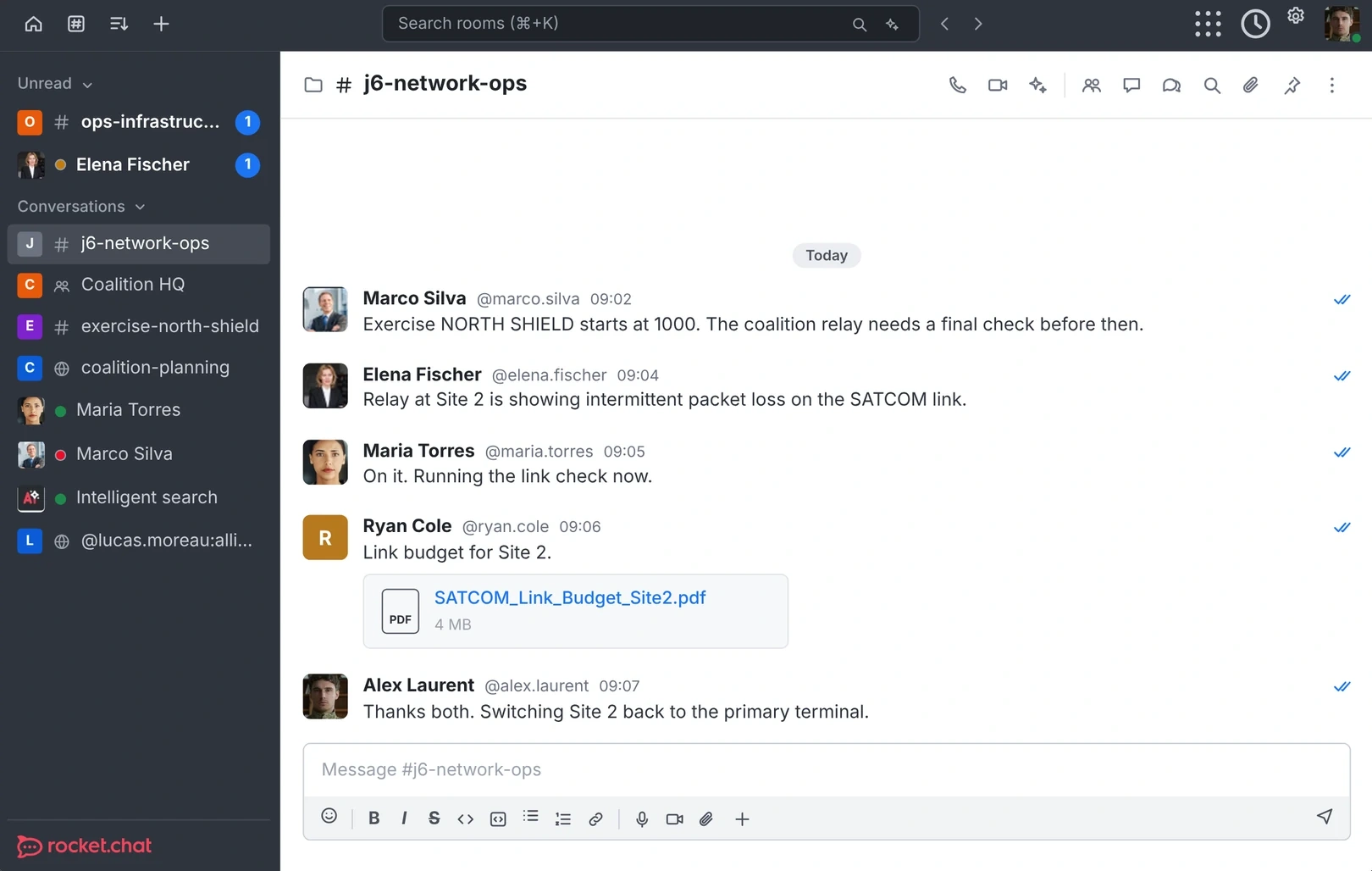
Rocket.Chat is the collaboration platform for defense and civilian agencies, critical infrastructure operators and enterprises that must work across organizations, borders and partners. Chat, voice, video, file and screen sharing, apps and governed AI agents run in one platform, under one security model, deployed wherever you decide.
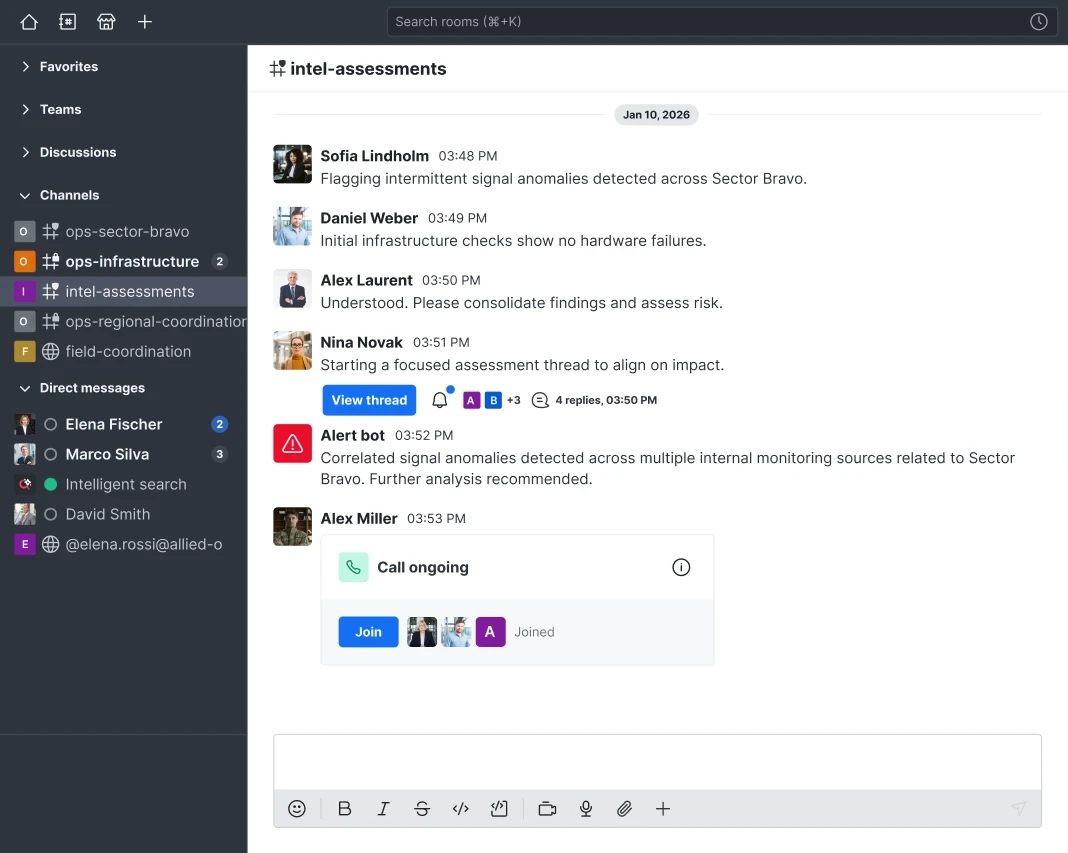
The everyday work your teams did in Skype for Business Server, from chat and presence to calls, meetings and file sharing, runs on Rocket.Chat on your own infrastructure. And it reaches partners beyond Microsoft's products, over open standards such as Matrix and XMPP.
How Rocket.Chat passes the test
Where does it run?
Self-hosted, air-gapped or in a sovereign cloud. One platform and one security model from headquarters to the tactical edge.
Who can access it?
Attribute-based access control checks every request against your identity provider and your rules. End-to-end and post-quantum encryption protect sensitive work, and every action is auditable.
Who can you reach?
Native Matrix and XMPP federation keeps identity and audit intact across organizations. Where Teams stays, Rocket.Chat bridges it in.
Can you stay in control?
Open source code you can inspect, with APIs, SDKs and the Apps Engine to connect your own systems. High availability and secure fallback channels keep you running through a crisis.
- Self-hostedOn your own servers
- Air-gappedFully disconnected networks
- Sovereign cloudInfrastructure under your jurisdiction
If your organization keeps Microsoft 365 for email and documents, Rocket.Chat bridges Teams messages in, so people on both sides keep talking while sensitive work stays governed on infrastructure you control.
Chapter 07
A migration plan that holds.
Leaving Skype for Business Server is a chance to fix more than support. A phased plan keeps people working the whole way through.
Assess
Map users, sites and integrations, and the partners you need to reach. Score your options against the four questions.
Involve
Bring in security, compliance and everyday Skype users early, so requirements are set before the pilot.
Pilot
Run Rocket.Chat with one team and at least one external partner on their own system. Prove federation and access rules with real users.
Roll out
Move in phases, by site or department. Bridge Teams where it stays in use, so no one is cut off during the switch.
Run
Retire Skype for Business Server. Keep improving with training, feedback and new integrations through open APIs.
Pilot with a real partner on their own system. That's where interoperability is proven.